Velar Cloud CRM guide
A step-by-step guide for new Velar Cloud customers. Log in, add your branding, import contacts, track leads in pipelines, automate follow-ups, schedule social posts, answer every message from one inbox, follow your reports and invite your team. Start simple, and add more as you get comfortable.
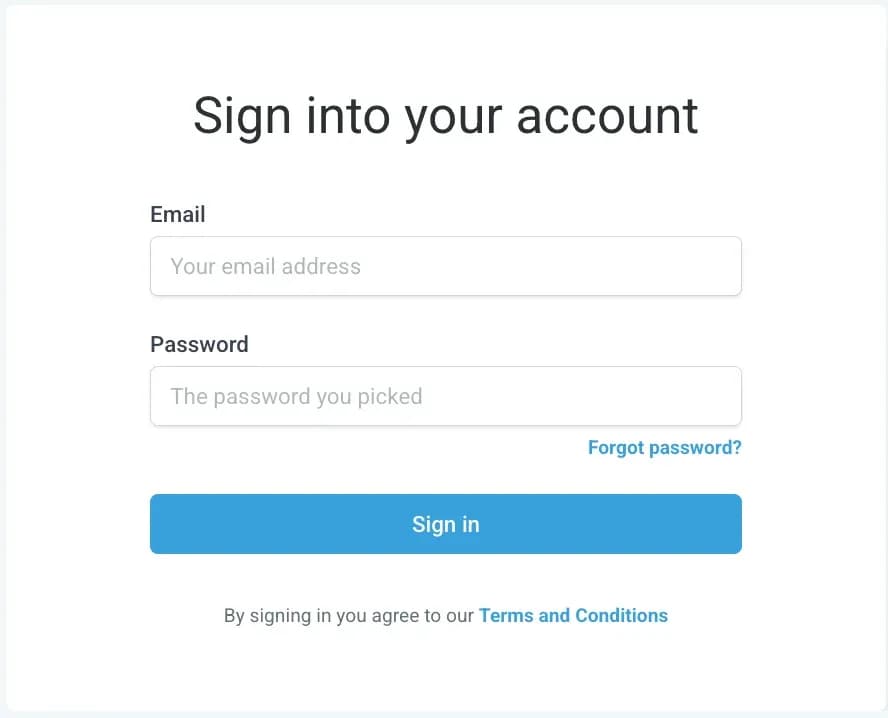
1. Log in to your account
Getting started takes just a few minutes.
- You'll receive the details you need to access your account.
- Use them to log in at velar.cloud.
- Once you're in, you'll land on your dashboard. This is your command centre, where everything happens.
Tip: bookmark your dashboard so you can open it quickly every day.
2. Set up your profile and branding
Before adding contacts, personalise your workspace so it reflects your business.
- Upload your logo and set your brand colours.
- Add your business name, phone number and email. These appear in your automations and messages.
- Connect your social media and email accounts if you plan to use them inside Velar Cloud.
With these details set up early, your outgoing messages look professional and consistent.
3. Add your contacts
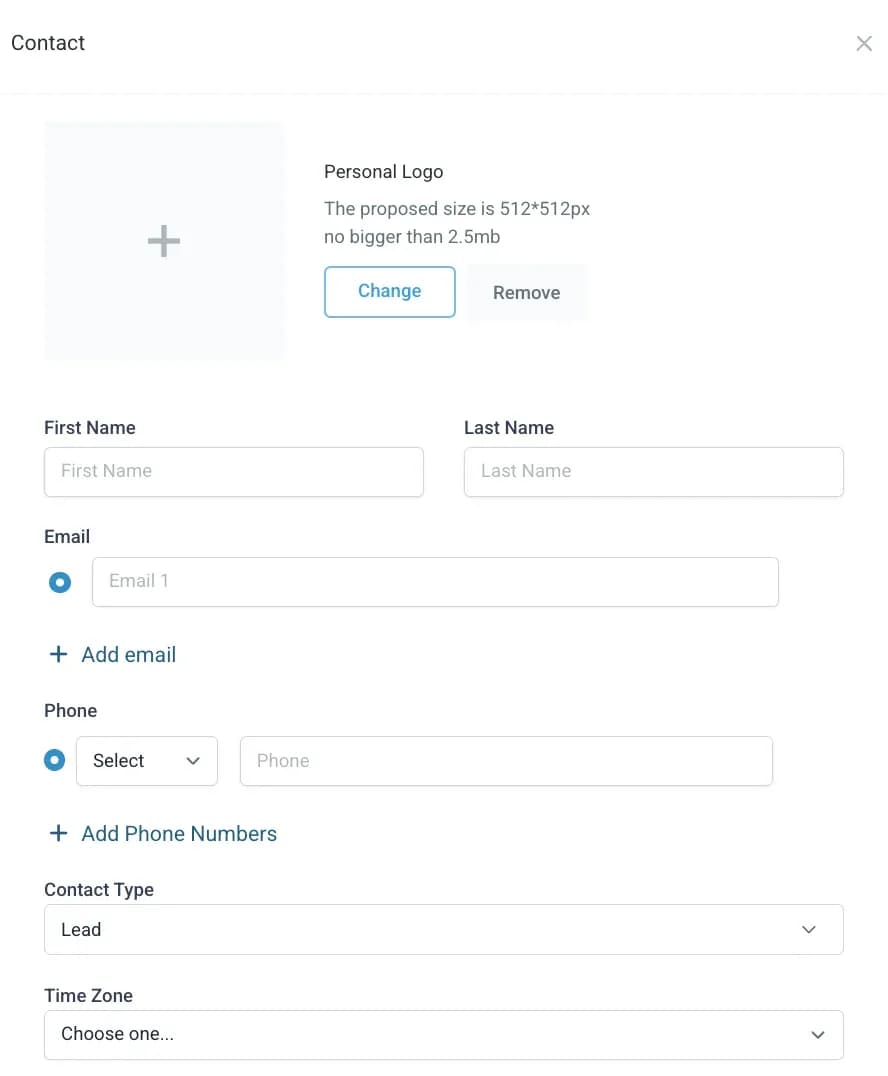
Your CRM is most powerful when your contacts are organised. You can add them in a few ways:
- Import a list from a CSV file or spreadsheet.
- Add a contact by hand with + Add Contact.
- Capture new leads through forms, direct messages or automations.
Each contact gets a profile that shows every message, call and note in one view, so you never lose track of a conversation.
4. Organise with pipelines
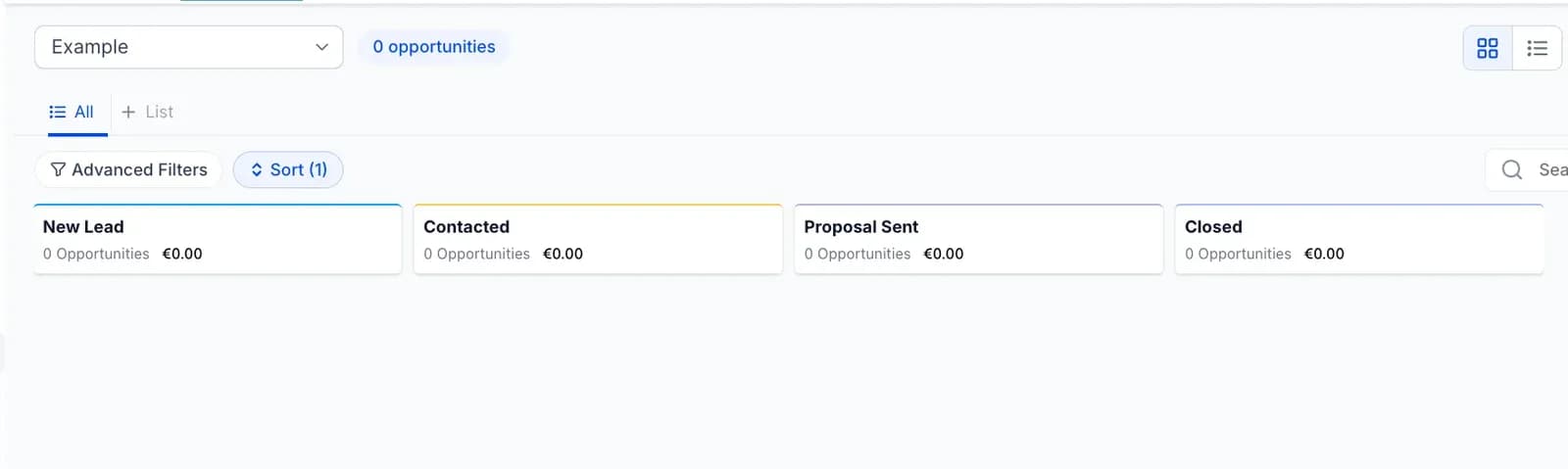
Pipelines show you where each lead or client is in your process. You might create pipelines for:
- New leads
- Booked calls
- Active clients
- Completed projects
Drag contacts from stage to stage as they move forward. You get a quick, at-a-glance view of what's happening in your business.
Tip: you can rename and add pipeline stages to match the way you work.
5. Automate your follow-ups
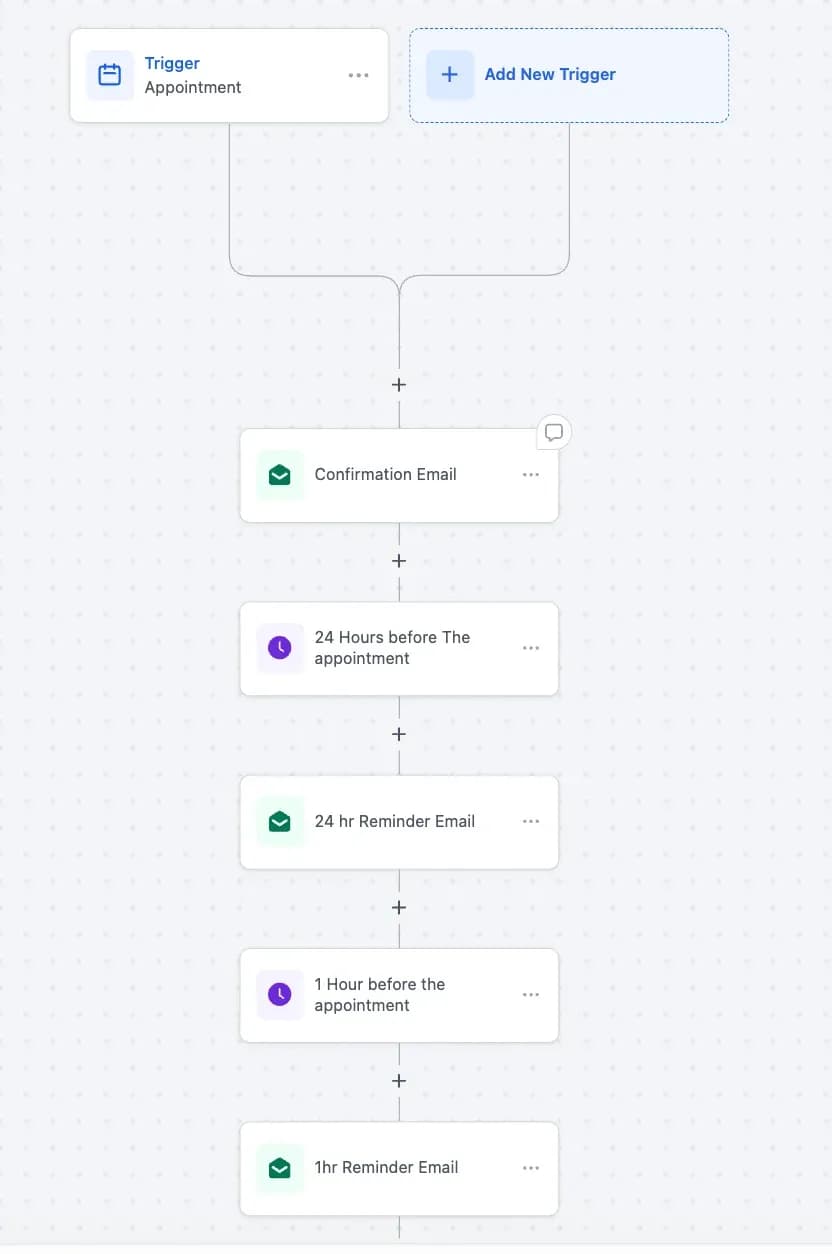
Automation is where Velar Cloud saves you the most time. For example, you can automatically:
- Send a welcome message when a new lead arrives.
- Follow up a day after someone fills in a form.
- Remind clients about upcoming appointments.
To start:
- Go to Automations in the left menu.
- Choose a ready-made template or create a new workflow.
- Set the trigger (for example "When a form is submitted") and the action (for example "Send a message" or "Add to pipeline").
Once it's active, the system handles the repetitive work and you can focus on the work that matters more.
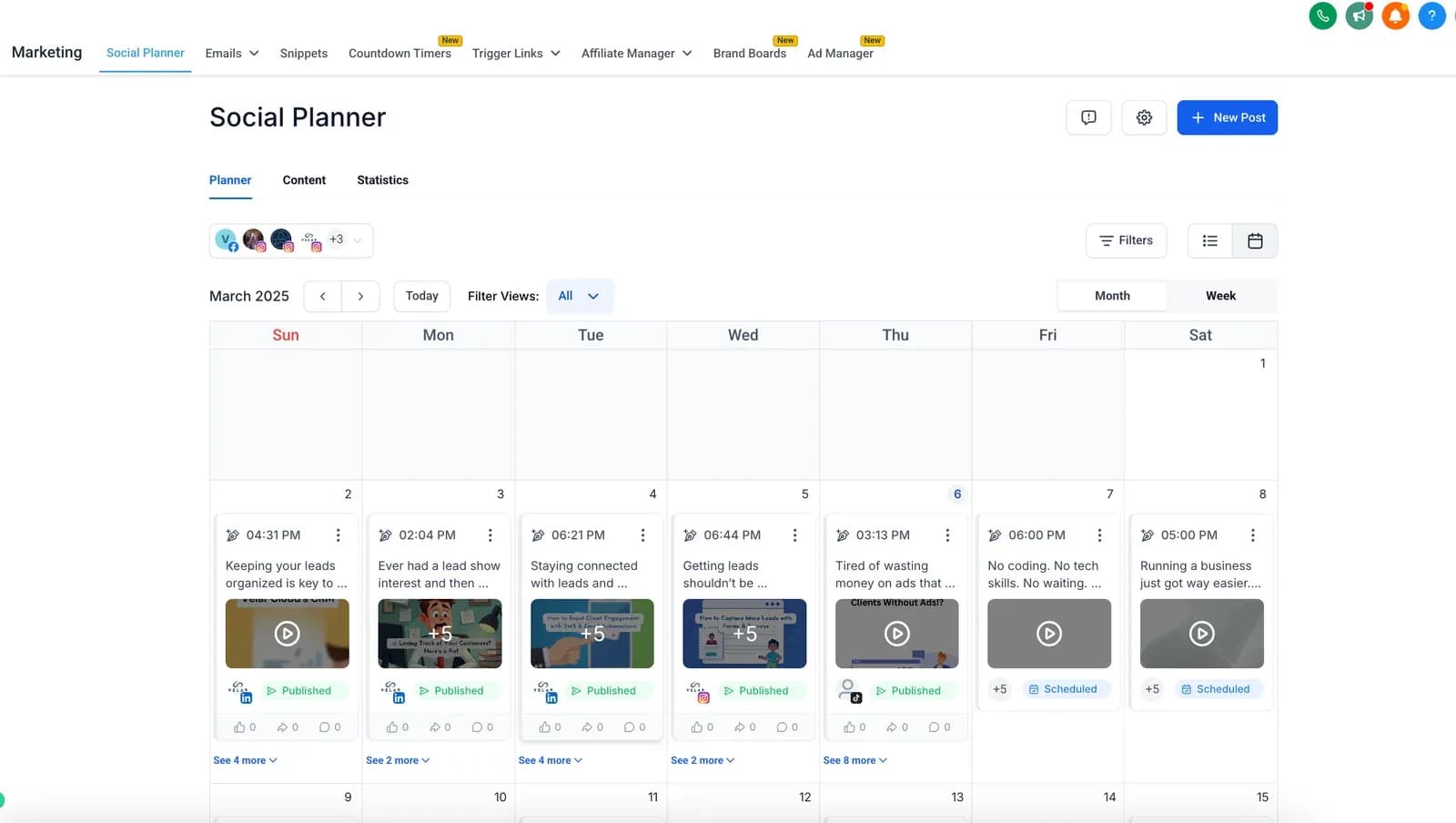
6. Plan your social media posts
The social planner helps you stay consistent. You can:
- Schedule posts to Facebook, Instagram and LinkedIn.
- Plan content days or weeks in advance.
- See at a glance what's going out and when.
To start:
- Go to Marketing in the left menu.
- Click Social Planner.
- Connect your social media accounts.
- Write your post and choose the date and time to publish it.
Once a post is scheduled, Velar Cloud publishes it for you.
7. Manage your conversations
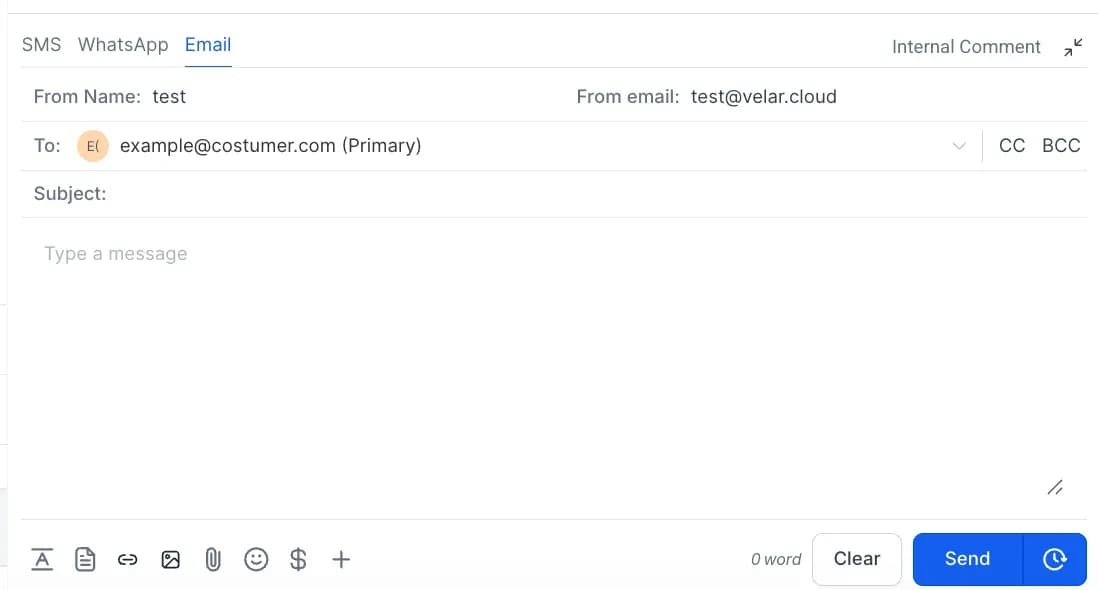
Your direct messages, texts and emails arrive in one inbox.
- Reply straight from Velar Cloud, without switching between apps.
- Tag conversations or assign them to team members.
- Use templates for quick, consistent replies.
Your client communication stays fast and organised, even when you're handling many leads at once.
8. Follow your reports
The built-in reports show how your business is doing. Track your pipelines, follow your campaigns and review your team's activity in one place. The reports update in real time, so you can make decisions faster.
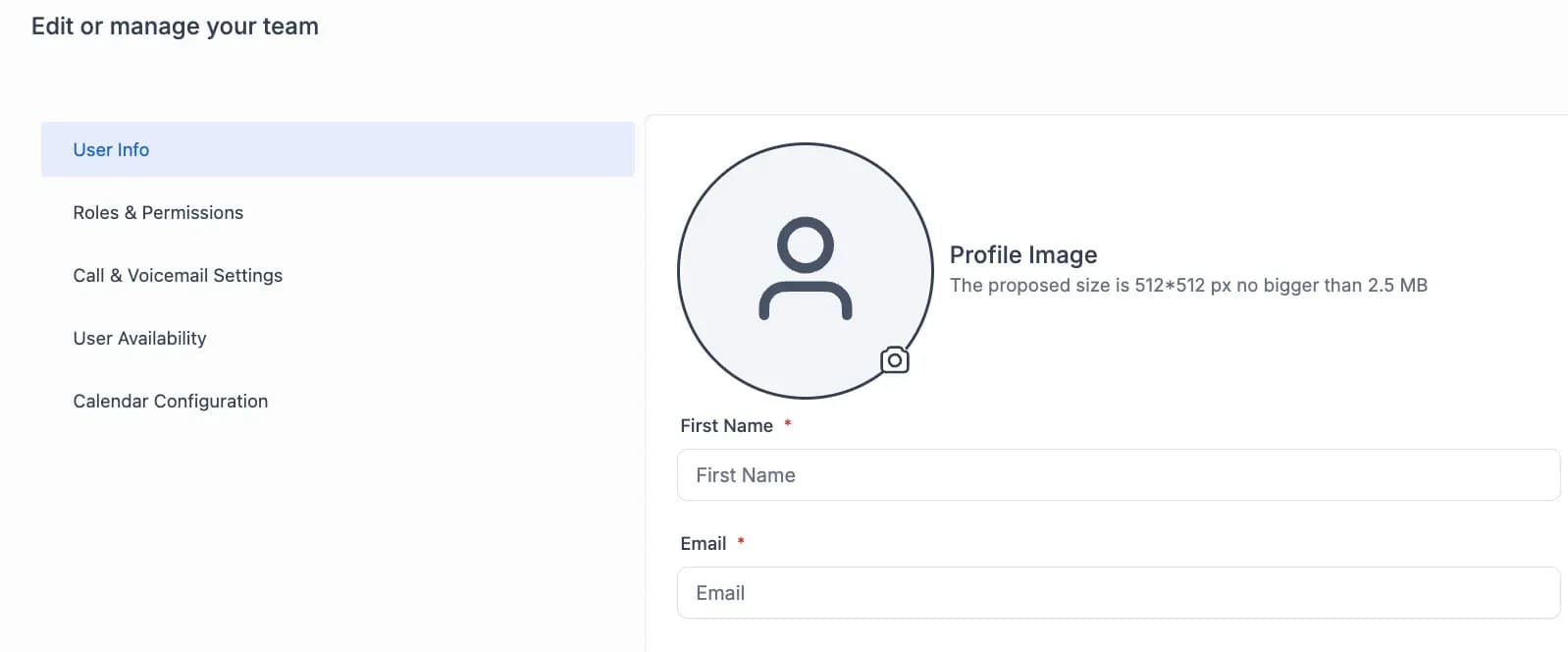
9. Invite your team
If you work with a team, add your colleagues under Settings → Team Members and give each one a role, such as admin, sales or support. Everyone gets their own login and works in the same shared workspace.
10. Keep improving
Once the basics are in place, explore more:
- Create your own forms and landing pages.
- Connect integrations such as Google and Meta.
- Build more advanced workflows as your business grows.
Velar Cloud grows with you: start simple, then add more as you get comfortable.
You're ready
Your system is ready to use. Check your inbox, send a test message and move your first contact through a pipeline.
Questions? Message us from your dashboard or email support@velarcloud.com. We're here to help at every step.