CRM · Published
What a CRM does for a small business, and when spreadsheets stop being enough
A spreadsheet is a good start, but at some point it starts costing you in forgotten calls and quotes. Here's how to spot the moment a CRM makes sense, and how to switch without the mess.
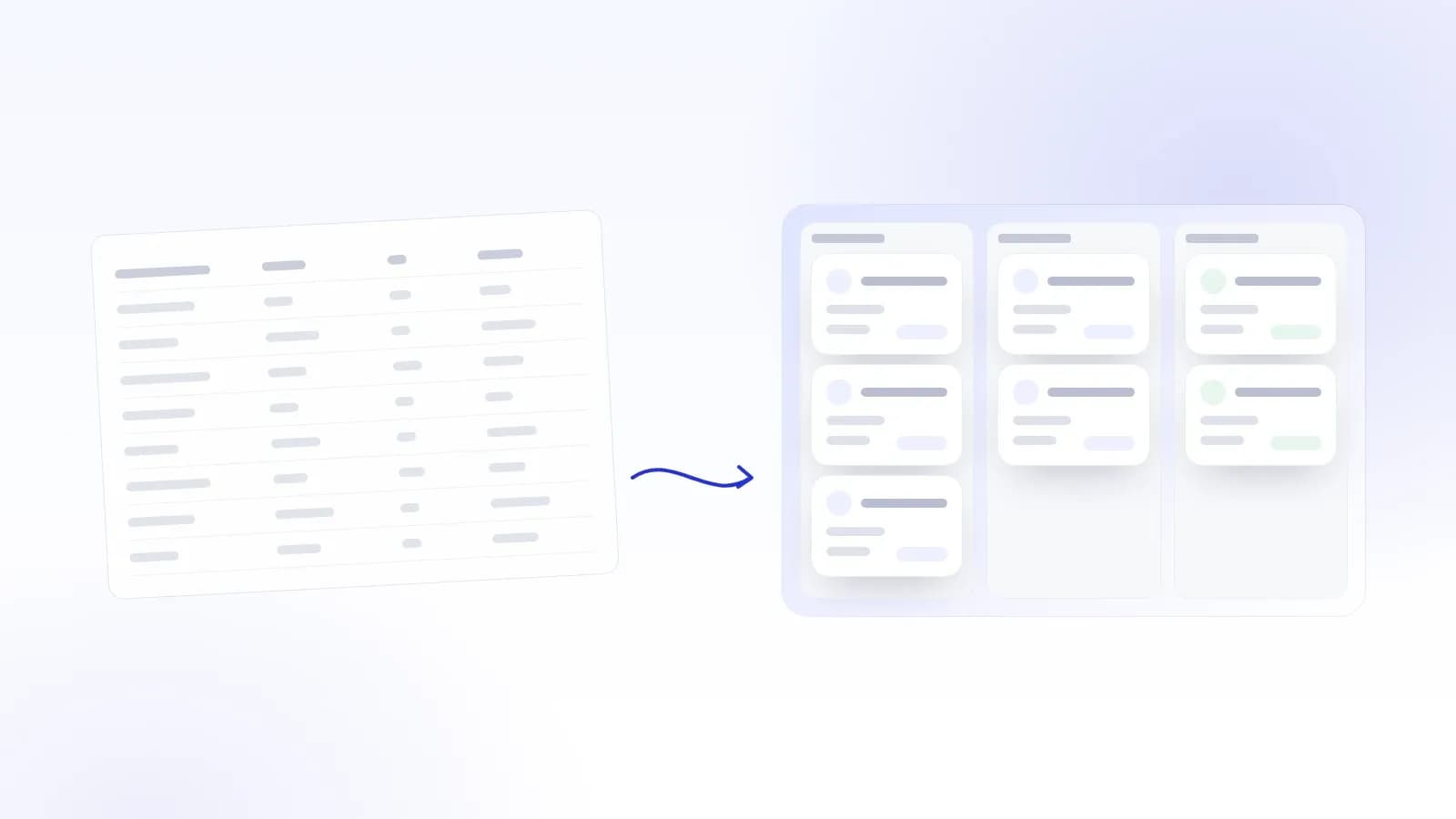
Almost every small business starts managing its customers the same way: an Excel or Google Sheets file, the contacts on someone's phone and an email inbox. That's a sensible start. A spreadsheet is free, familiar and ready to go. At some point, though, it starts costing more than it seems, and not on any invoice. The cost shows up as calls nobody returned and quotes nobody followed up.
This article looks at what a customer relationship management system (CRM) actually does, how to tell when your spreadsheet has reached its limit, and how to switch without disrupting daily work.
What a CRM is, in practice
A CRM is a place where every customer and potential customer has their own record. It collects everything that has happened with them: contact details, messages, call notes, quotes, bookings and the next agreed step.
Unlike a spreadsheet, a CRM isn't just a list. It knows what stage each customer is at and can remind you when something needs doing. A sales pipeline shows at a glance how many quotes are open and which have stalled.
Three things a CRM does that a spreadsheet doesn't:
- It keeps the history together. Emails, messages and notes sit on the customer's record, not in three different apps.
- It remembers for you. Follow-up tasks and reminders are created as a customer moves through the stages.
- It shows the whole picture. You see a pipeline, not just rows.
Five signs your spreadsheet isn't enough any more
1. There are several versions of the same customer. A renovation contractor keeps the quote list in Excel, site contacts on their phone and photos in WhatsApp. When a customer calls, finding the right information takes minutes, and sometimes only turns up after the call.
2. Follow-up depends on memory. A coach has a good intro call and promises to send a proposal. A week later they realise they never did. Nobody forgot on purpose: a spreadsheet just doesn't remind anyone.
3. Several people edit the same file. At a hair salon, three stylists record client details in three different ways. One types phone numbers with spaces, one without, and the third leaves the field blank. The file exists, but nobody can rely on it.
4. You can't answer simple questions. How many quotes went out last month? Where do new customers come from? Which regulars haven't heard from you in six months? If answering takes an hour of spreadsheet work, in practice nobody asks.
5. Personal data is scattered. When a customer asks for their data to be deleted, you have to find it in every file, copy and email attachment. For data protection, one controlled place beats ten versions of a file.
If two or more of these sound familiar, your spreadsheet is probably already slowing you down.
What daily work looks like with a CRM
Take a café that serves weekday lunches and also caters for companies. Catering enquiries arrive by email, by phone and as Instagram messages.
Without a CRM, some enquiries get remembered and some get lost. With one, every enquiry gets its own record in the same place. The quote goes out, and if the customer hasn't replied within three days, the owner gets a reminder. When a company books Christmas party catering for the second year running, last year's order and dietary requirements are right on the record.
None of this takes a bigger team or longer days. What changes is that information and follow-up no longer depend on one person's memory.
What a CRM won't do
To be fair: a CRM won't sell for you, and it won't fix an unclear offer or pricing. It shows what is already happening in your sales and plugs the leaks that come from relying on memory. If quotes aren't going out, the system shows it plainly, but you still have to write them.
A CRM also only works if people use it. That's why it pays to start small.
Moving off the spreadsheet without chaos
- Decide your sales stages. Write down the stages a customer goes through, for example new enquiry → quote sent → agreed → customer. Four or five are enough to start. What matters is that everyone reads them the same way.
- Clean up before you move. Remove duplicates and make the columns consistent. Bad data isn't worth carrying over.
- Import only what's active. Open quotes and the past year's customers are enough; keep the old spreadsheet as an archive.
- Start with one channel. Send your website enquiries straight into the CRM, for example, and add other channels once that works.
- Agree the ground rules. Who logs what, and when. Two weeks in, review together what's working.
The bottom line
A spreadsheet works well as long as you have few customers and everything fits in one person's head. Once enquiries arrive through several channels and more than one person handles them, the biggest benefit of a CRM is simple: promises stop slipping through the cracks.
In Velar Cloud, lead and customer management, client communication, tasks and calendar bookings are part of the same platform, already on the Basic plan. You can try it with your own customers free for 14 days, or book a free call and we'll look together at what your pipeline could look like.